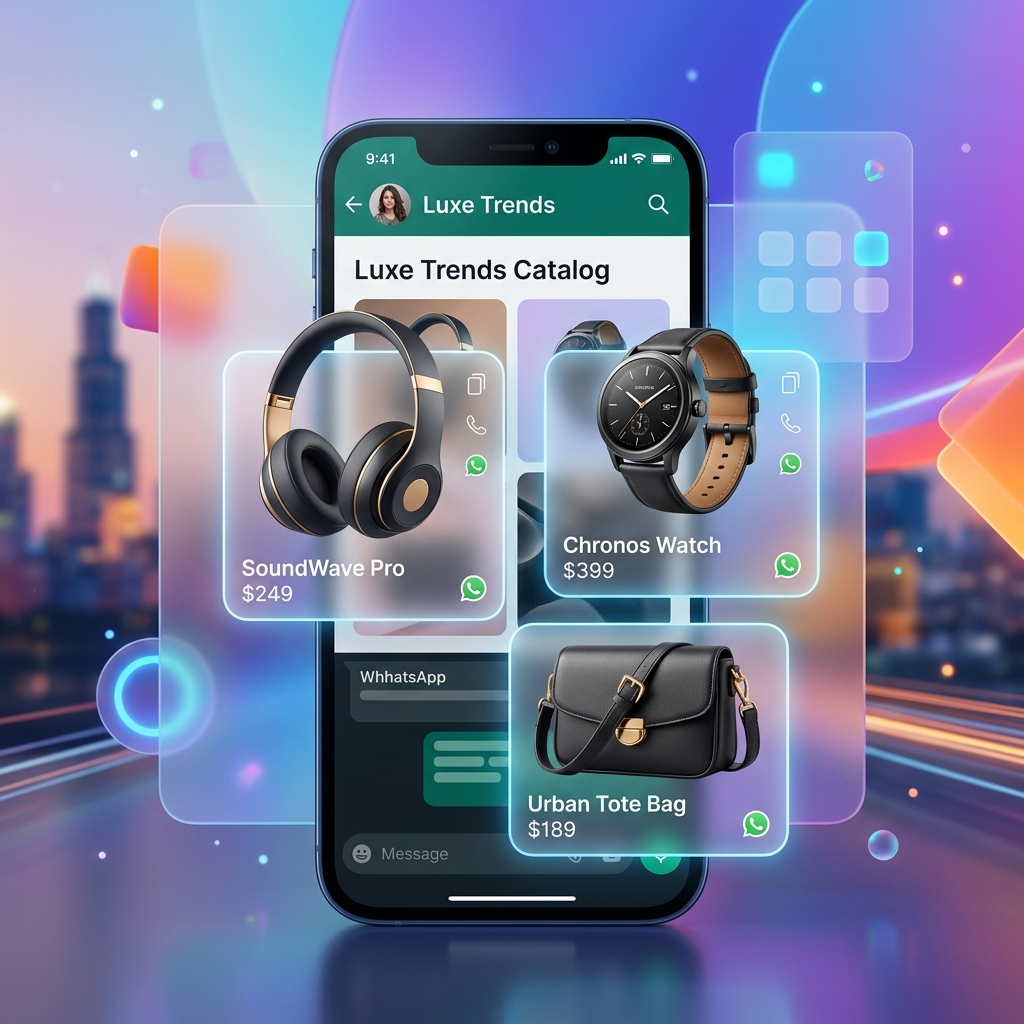
The Official WhatsApp Green Tick (OBA) is the most coveted trust signal on the platform. It differentiates your brand from millions of others, signaling that Meta has verified your business as a notable and legitimate entity.
In 2026, the criteria for the Green Tick have become more stringent but also more transparent. This roadmap outlines exactly how to secure it.
1. The Core Benefits of OBA
Securing the Green Tick isn't just about vanity; it has measurable business impacts:
- Instant Recognition: Your brand name appears instead of just a phone number, even if the user hasn't saved your contact.
- Improved Open Rates: Campaigns from verified accounts see an average 15% higher open rate.
- Protection from Bans: Verified accounts are less likely to be flagged by automated spam filters.
- Brand Authority: It's a prerequisite for running high-value enterprise flows.
Key Discovery: Users are 60% more likely to share credit card or personal details in a chat with a Green Tick account compared to an unverified one.
2. Eligibility Infrastructure
Before you apply, you must ensure your technical foundation is solid:
- Meta Business Verification: Your Business Manager must have "Verified" status.
- WhatsApp API Integration: You must be an active user of the WhatsApp Business Platform (API).
- 2FA Enabled: Two-factor authentication must be active on your Meta account.
- Clean Record: Your phone number quality rating must be "Green" (High).
3. The Notability Matrix
This is where 90% of applications fail. Meta defines "notability" as a business being referenced in multiple high-authority news sources.
| Tier | Source Type | Weight | Notes | |------|-------------|--------|-------| | 1 | International Press (BBC, NYT, Forbes) | Very High | 1 link is often enough. | | 2 | Industry Press (TechCrunch, RetailDive) | High | 2-3 links required. | | 3 | Local News (State-level) | Medium | 5+ links required. | | 4 | Social Media Following | Low | Not a primary metric anymore. |
Pro Tip: Avoid "Paid" or "Sponsored" content. Meta's verification team uses AI to detect PR distributions and will reject applications based on paid placements.
4. The Application Workflow
When you're ready to apply through the Engage Dashboard:
- Number Selection: Choose the specific WABI number you want to verify.
- Metadata Audit: Ensure your Profile Image, Website, and Description are identical to what's on your official website.
- Submission: Link your top 5 most authoritative organic press features.
- The Review Phase: Meta typically takes 2-4 business days to respond.
5. What if You're Rejected?
Rejection is common and doesn't affect your API usage. If rejected:
- Wait 30 Days: You cannot re-apply immediately.
- Build Organic PR: Use this month to secure 2 more news features.
- Increase Volume: Higher messaging volume can sometimes signal importance to Meta's algorithms.
FAQ
Does it cost money to get the green tick?
No. Meta does not charge for OBA applications, and Engage provides this service for free to all Professional and Enterprise users.
Does the green tick affect delivery speeds?
Historically no, but in 2026, verified accounts are prioritized in Meta's Cloud API queue during extreme high-traffic periods.
Can individuals get the Green Tick?
Generally no. It is reserved for registered businesses and public figures with a Meta verified profile.
Do I lose the Green Tick if I switch BSPs?
No. You can migrate your number to Engage while keeping your Green Tick status intact.
How long does it last?
Once granted, it is permanent unless your number violates Meta's commerce policies or your quality rating stays Red for an extended period.`,